10 Niche Social Media Networks for Local Services
Niche social media is made up of smaller networks built around one shared thing. That might be a town, a trade, a hobby, or a big life event like a wedding. For a local service business, these small networks can be worth more than the giants.
Big platforms give you reach. But reach brings noise. You see posts from people three states away, casual chat, and jokes. On a smaller network, the crowd is tighter. People share the same context, and a question can turn into a referral fast.
Not all niche networks work the same way, though. A homeowner asking for a plumber on a neighborhood feed needs a different reply than a couple comparing wedding photographers. An IT manager stuck on a network problem needs something else again. Treat them all as one crowd and you waste time and send awkward pitches.
So we judged each network on five things:
- Local intent. Do people ask for local services there?
- Fit. Who uses it, and do they buy what you sell?
- Reach. Can you see the posts without special access?
- Rules. Can firms reply or promote?
- Workflow. Can you check it on a schedule without burning hours?
The real question isn't how big a network is. It's whether you can spot a real need, see it, and reply in a way that helps.
Table of Contents
- What Counts as Niche Social Media?
- 1. Nextdoor
- 2. Front Porch Forum
- 3. Patch
- 4. The Knot Community
- 5. Houzz
- 6. Alignable
- 7. Doximity
- 8. Spiceworks Community
- 9. Fishbowl
- 10. Blind
- Niche Social Media Comparison
- How to Build Your Niche Social Media Mix
- FAQ
What Counts as Niche Social Media?
A niche social network serves one group instead of everyone. Some are tied to a place, like a neighborhood or a town. Others are tied to a topic, like home projects or IT support. Some are tied to a job, like doctors or small business owners.
They have three things in common. The crowd is smaller. Members share a clear reason for being there. And the rules are often stricter than on the big apps. That mix makes it easier to spot real buying intent. It also means you have to earn trust before you sell.
1. Nextdoor
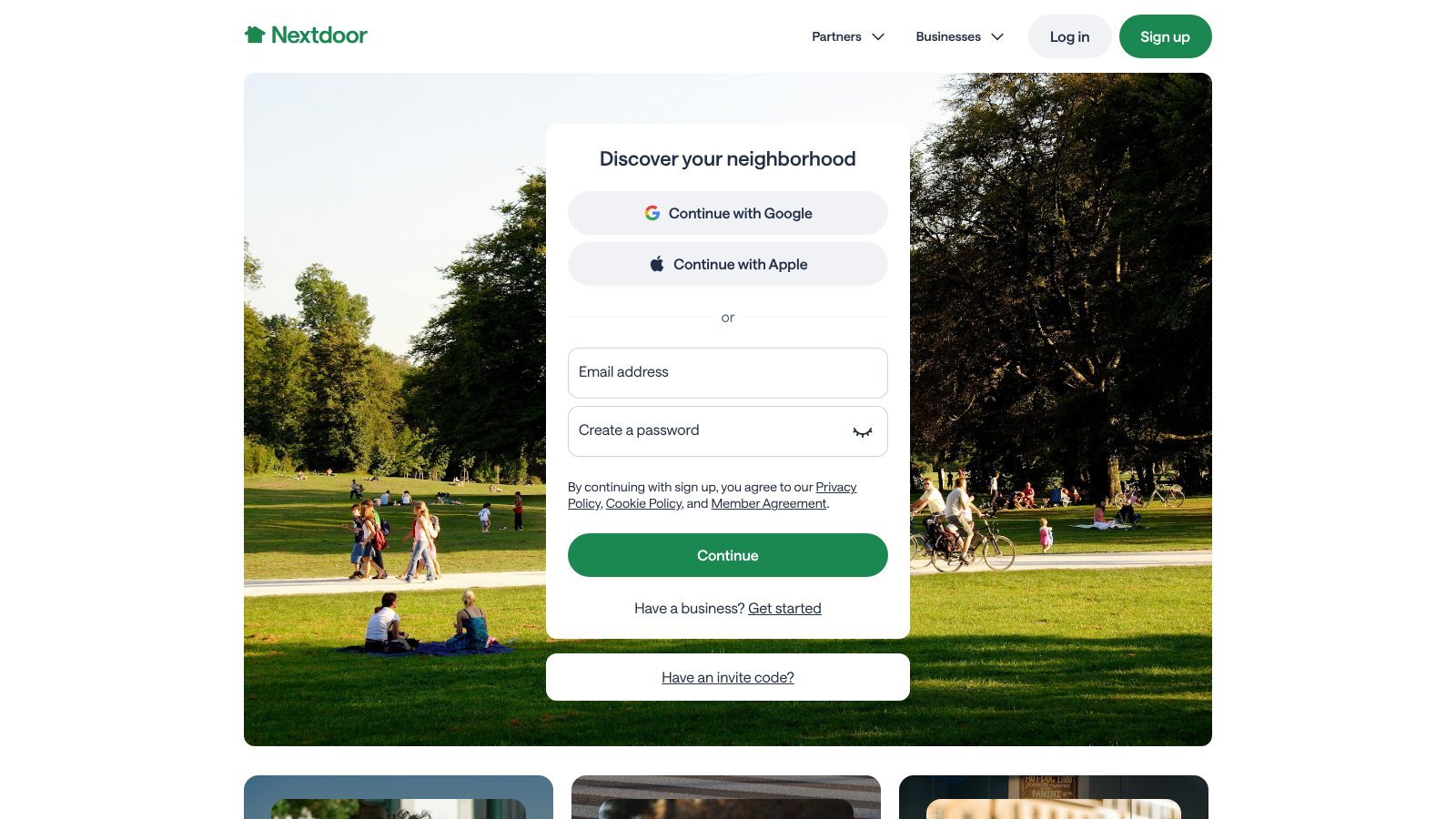
Nextdoor is the clearest case of a network where place matters more than reach. Neighbors use their local feed to ask who to hire, flag problems, find lost pets, and share events. Many posts name a street, a neighborhood, a ZIP code, or a nearby landmark. That tells you if the job is in your area before you reply.
A firm can set up a free Business Page. Neighbors can recommend it, and anyone can see those recommendations. You can also run self-serve ads that target nearby neighborhoods. Nextdoor has a developer API that can find public posts by keyword, but you have to apply for access. Much of the best talk stays inside each neighborhood.
One rule matters a lot. Nextdoor bans self-promotion from a personal account. Promote your business from your Business Page instead. Business Pages can reply to neighbor posts, but Nextdoor limits where they can comment and who they can message.
What to watch and how to reply
Watch for direct requests, "who do you use?" questions, repeat complaints about a local problem, and posts asking who's free this week. Then keep the process simple:
- Filter by area. Split the places you serve from the ones too far to be worth the drive.
- Sort the post. Tag it as urgent, comparing options, looking for a referral, or just chatting.
- Check your proof. Make sure your Business Page, reviews, and service details are up to date.
- Respect the feed. Answer the question first. Don't paste the same pitch into each feed.
Practical rule: On Nextdoor, a helpful local answer earns more trust than a fast sales pitch.
Reach can shift with policy changes, feed tweaks, and local moderators. Since much of Nextdoor is semi-closed, no outside tool will see every post. To track public posts on many networks at once, a social media listening platform can pull them into one place. Keep taking part on Nextdoor too.
2. Front Porch Forum
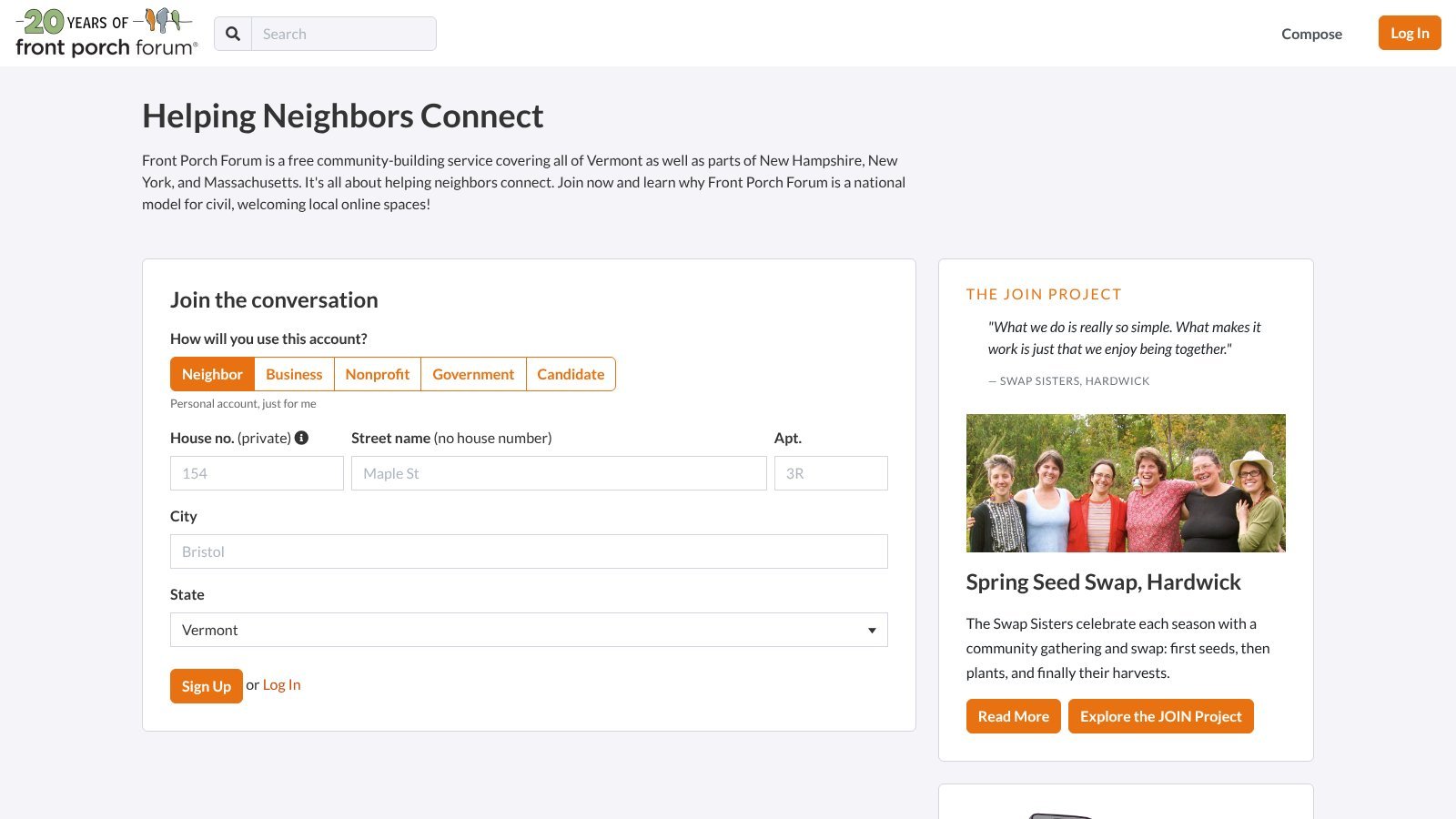
Front Porch Forum covers all of Vermont, plus parts of New Hampshire, New York, and Massachusetts. Each town gets its own moderated forum. Members sign up with their real name and street, and posts go out to neighbors in regular email issues. FPF says it has 250,000 active members in Vermont, a state with about 270,000 households. You'll see referral requests, small-job asks, lost-and-found notes, and town news.
That gives local pros a cleaner source of leads than a broad social feed. Cleaners, yard crews, handymen, child care pros, and home repair pros can all find neighbors who need help. A referral from a verified neighbor also carries more weight than a stranger's comment.
The catch is the map. If you don't work in its towns, there's little reason to spend time there.
Treat FPF as a word-of-mouth network, not a keyword search. Watch referral threads, small-job requests, and notices that hint at seasonal demand. Repeat questions about home services can also flag a need before anyone asks for a quote.
Here's a simple way to review each post:
- Confirm the town. Is the job inside your service area?
- Read the whole thread. Check earlier replies and referrals first.
- Sort it. Is it a direct request, a referral search, a new need, or just a question?
- Help first. Share what a homeowner should check before they hire anyone.
- Use your listing. Let your profile and the FPF Business Directory do the selling.
- Know the limits. A free business plan allows one post a month. Paid plans start at $10 a month and add more posts and a featured listing.
The forum is email-based and members-only, so search tools can't see it. You'll likely need to join as a real local member to follow the talk.
For Vermont businesses, that trade-off is often worth it. Place and buying intent line up closely here. Everyone else should pick a network with better coverage.
3. Patch
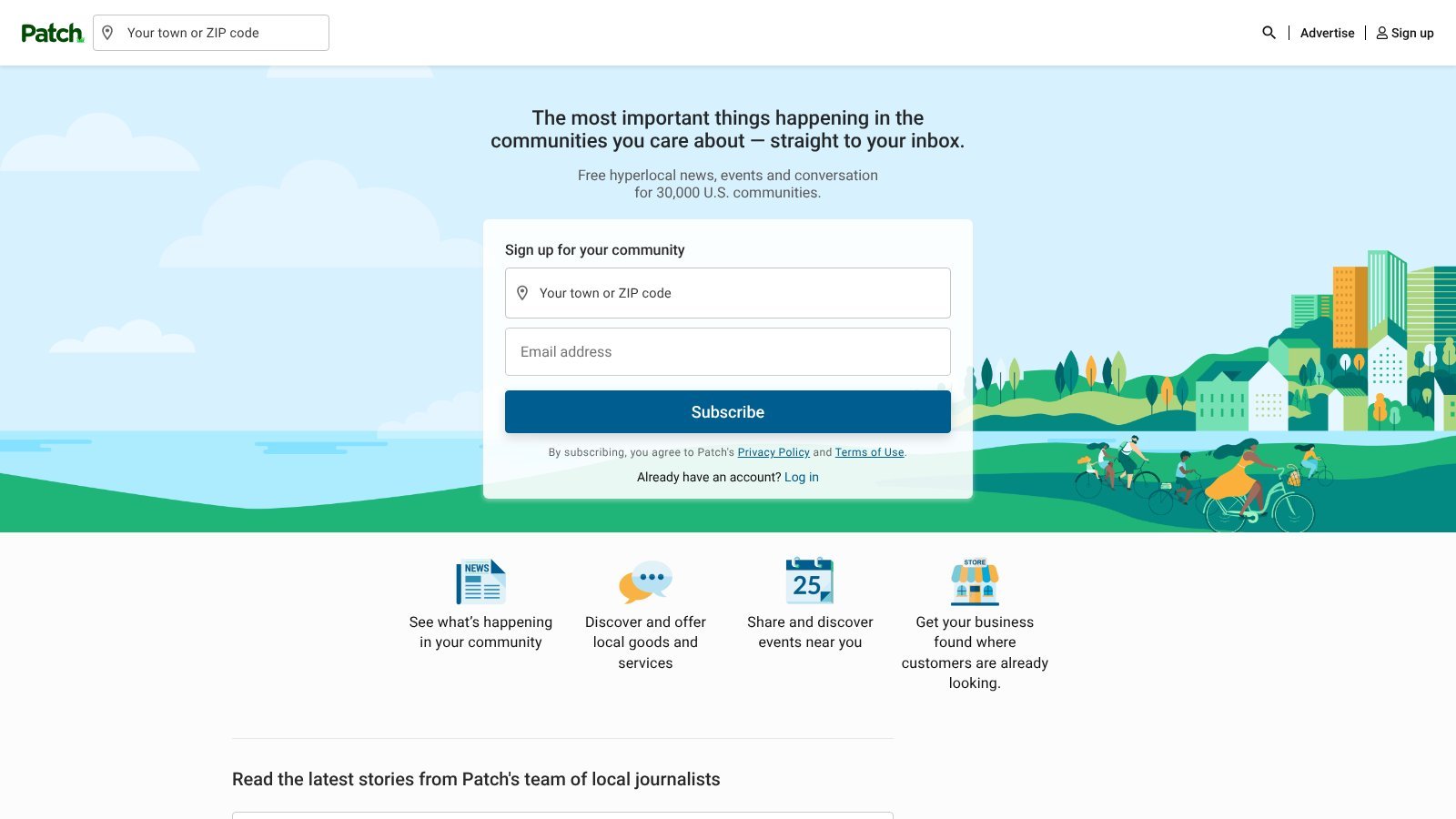
Patch runs local news sites for towns across the country. It mixes news with posts from neighbors and local groups. Each town page has Neighbor Posts, events, and classifieds. Those can surface needs that a broad social search would bury.
Patch works best when you need town-level context. A lawn care company can watch local events and neighbor posts for seasonal demand. A caterer can follow community events and classifieds. A property care firm can track notices about new builds, road work, or other changes. Even when a news story isn't a lead, it tells you what's going on in town.
The trick is to separate news from buying intent. A story might hint at demand. But a real lead usually includes a direct request, a referral question, a classified ad, or an event need.
Sort each town's posts into three buckets:
- Direct request. Someone asks for a pro, a quote, a referral, or who's free.
- Useful context. An event, notice, or local change might create demand, but nobody is buying yet.
- Low intent. The post is news, politics, or chat with no clear service need.
Activity varies a lot from town to town. Check the towns you serve. Do they have active Neighbor Posts? Do people use the events and classifieds? Posting as a firm costs the same as posting as a neighbor. If you want extra reach, Patch charges a small daily fee per town to promote an event or classified. Keep free monitoring and paid promotion as separate choices.
Match your reply to the post. For a direct request, share your past work and offer a private way to talk. Don't drop an offer into a news thread. Check town feeds on a set schedule. Log the post type, location, need, and follow-up status. Patch gives strong local signals. Pair it with networks where people ask who to hire more often.
4. The Knot Community
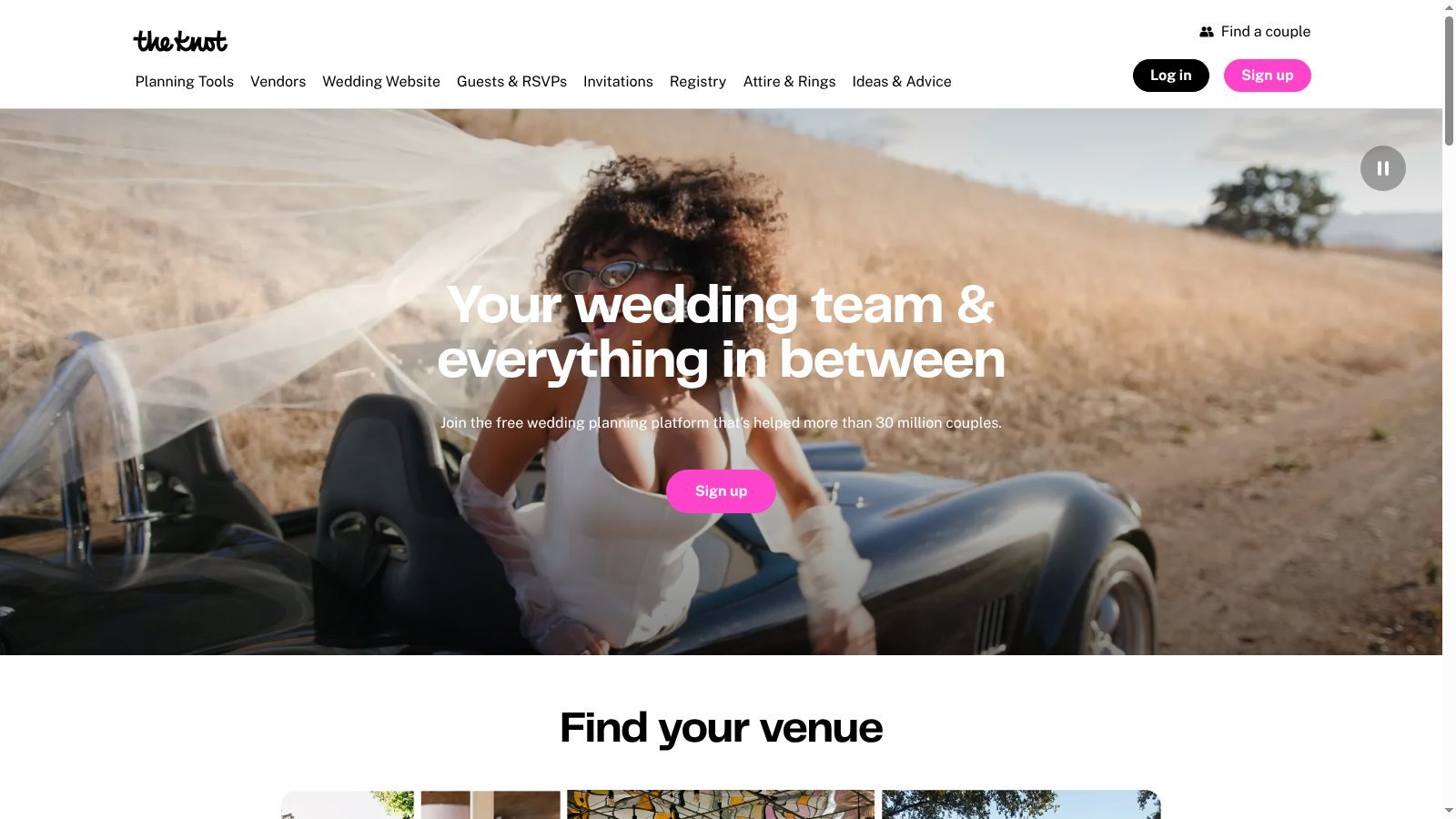
The Knot Community is a set of forums for couples planning a wedding. That's a big purchase with a fixed date. Threads cover venues, photos, food, planners, flowers, dresses, and etiquette. The boards are still active, and many cities have their own board.
Buying intent is strong, but there's a big catch for vendors. Board rules ban vendors from posting, commenting, or steering couples to their business. Vendors who break that rule risk a ban. So The Knot Community is a research tool, not a place to reply.
That research is still useful. Read what couples ask about venue size, budgets, dates, photo styles, and catering. Note the worries that come up again and again. Then use what you learn to:
- Fix your listing. Answer common questions in your profile, FAQ, and quotes.
- Sharpen your pitch. Use the words couples use when they describe what they want.
- Price with care. Learn what budgets look like in your market.
- Plan content. Turn repeat questions into blog posts or guides on your own site.
To reach couples on The Knot itself, you need a vendor listing in its marketplace. Paid listings and ads buy visibility, and reviews build trust. Keep your prices and availability current, since couples compare them against your quotes.
The best wedding vendors reduce doubt. They learn what couples worry about and answer it before anyone asks.
5. Houzz
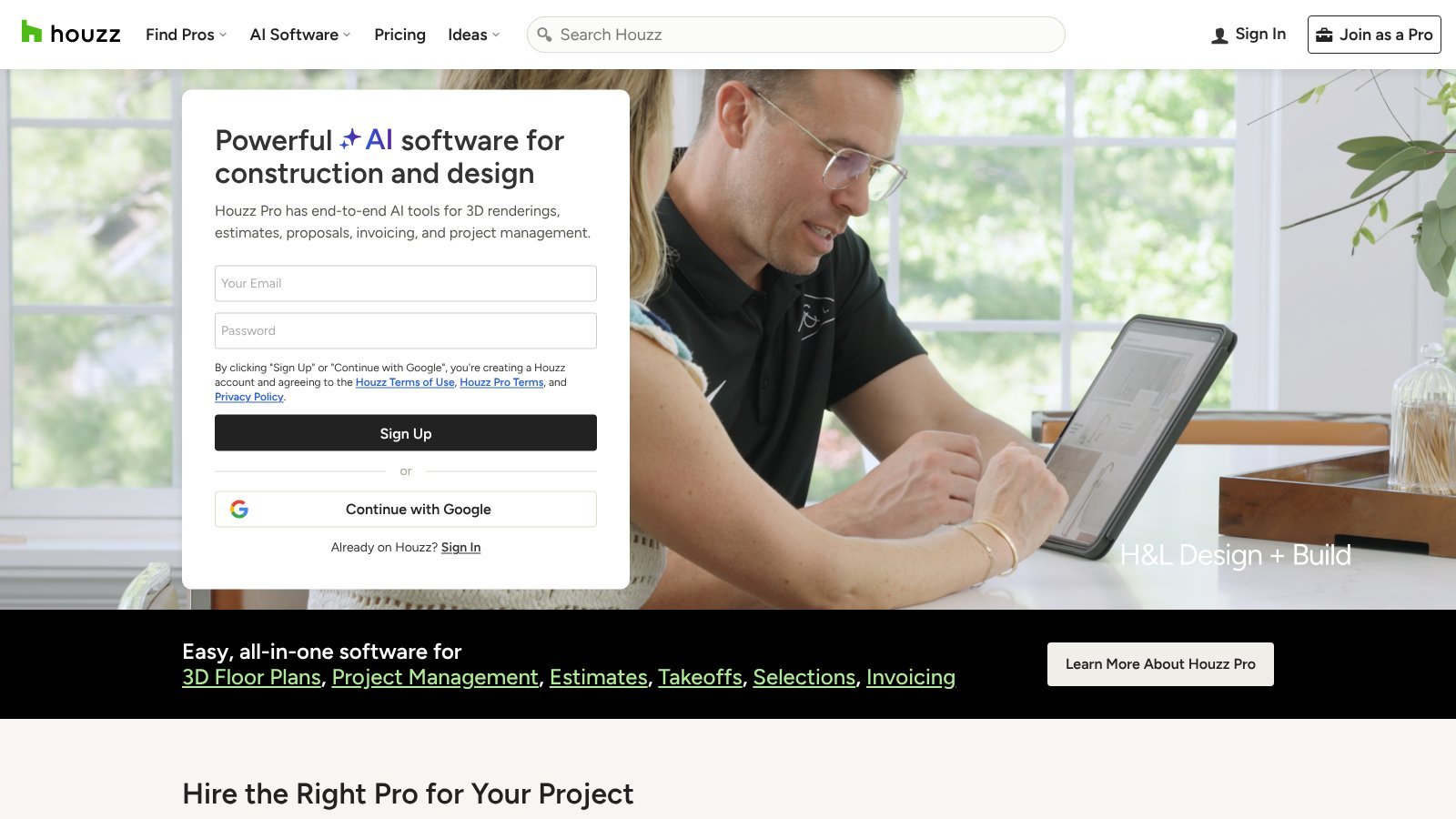
Houzz brings together homeowners and pros who work on home projects. Think remodels, interior design, and landscaping. Its discussion boards hold detailed project questions. Pro profiles show portfolios, reviews, and services. Houzz Pro is paid software. It adds client tracking, estimates, invoices, and messages for the leads you get.
Houzz has strong category intent, but local intent varies. A homeowner may ask about a remodeling method without naming a city. A pro from another region might answer. Treat location as unknown until the post, profile, project details, or later comments prove it.
Start with project language. Track questions about hiring a contractor, permits, materials, design, costs, and timelines. These topics can reveal demand before someone asks for a pro. But a matching topic doesn't prove the job is local or ready to go.
Use the thread to qualify the lead:
- Confirm the project type. A kitchen design question might be about planning, not building.
- Look for location clues. Check the city, profile, project notes, and later replies.
- Judge the stage. Ideas, plans, hiring, and urgent repairs each need their own reply.
- Weigh trust signals. Portfolios and reviews help, but they don't replace local fit.
- Pick the next step. Keep answering in public while the person is still exploring. Move to a direct talk when they're ready to hire.
Houzz works best when you keep public advice separate from paid tools. Helpful answers show your skill. A strong profile and Houzz Pro help with discovery and managing leads. Paid tools don't guarantee leads, and public answers don't create sales on their own.
For a fuller local plan, pair Houzz with these home services lead generation tips. Check service area, timing, and hiring intent before you reach out.
6. Alignable
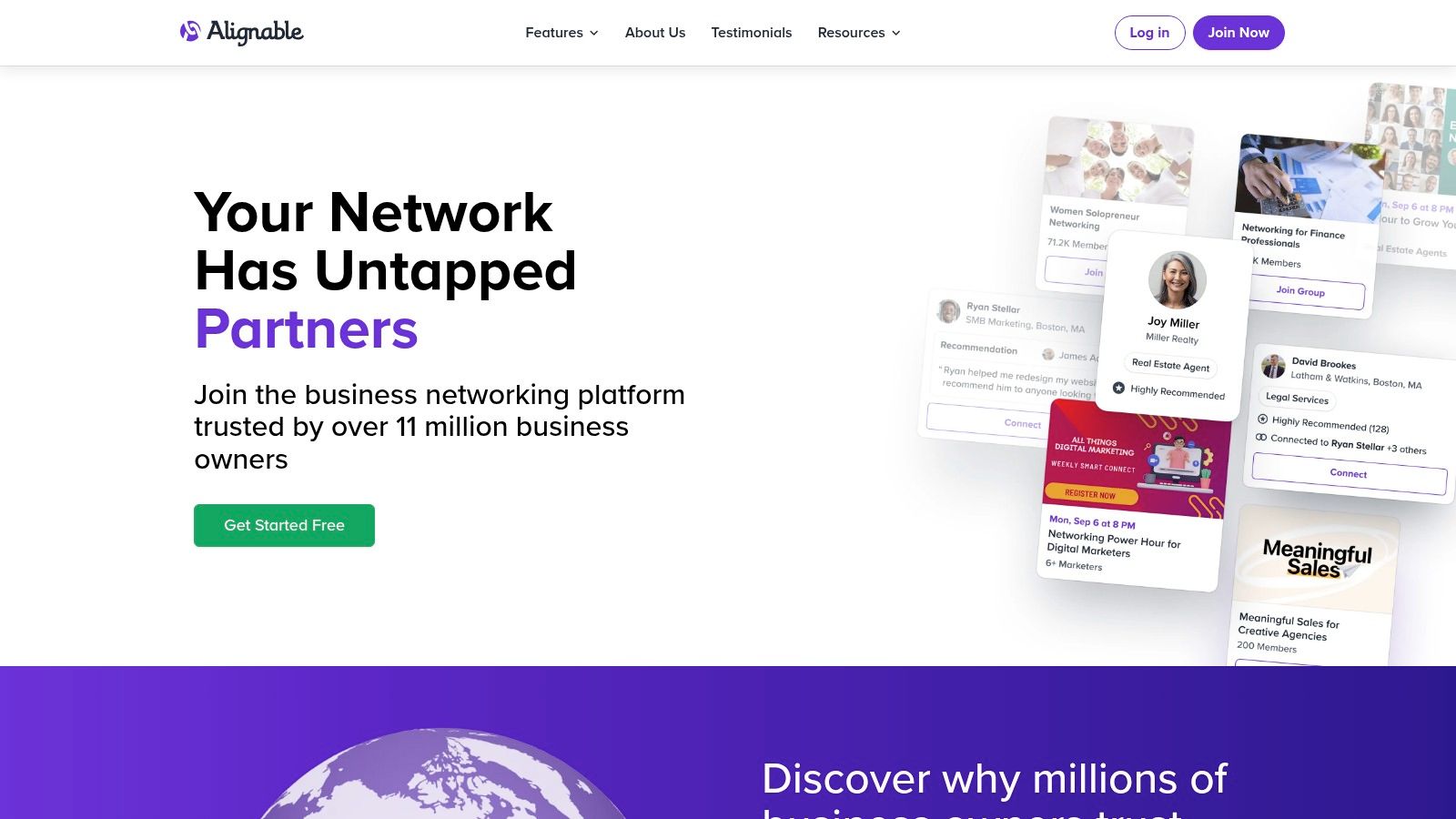
Alignable is a network for small business owners in the U.S. and Canada. It says it has more than 11 million members in 35,000 local communities. Members look for referrals, partners, advice, and intros. You won't find many homeowner repair requests here, so its buying intent is mostly indirect.
For pros who serve other firms, that's often fine. A commercial cleaner can meet property managers. An accountant can meet contractors or agency owners. A photographer can find event planners, real estate agents, and local groups. These links can lead to work, but only once a partner knows who you serve, where you work, and which jobs fit.
Use Alignable to build referral partners. Join local and industry groups, attend Smart Connects networking events, and watch for owners whose questions hint at a partner need. Generic "let's connect" messages add noise without building real referral fit.
A simple process looks like this:
- Find partners. Look for firms that serve the same clients but don't compete with you.
- Check local fit. Confirm where they are, who they serve, and how active they are.
- Answer good questions. Helpful advice shows your skill before anyone asks for a referral.
- Define the intro. Say which clients, places, and job sizes you want.
- Judge quality. A big contact list doesn't prove a strong referral source.
Paid plans add more reach and features, so the free plan may feel limited in busy groups. Quality also varies by area. Before you commit, check if nearby members ask real questions, reply often, and make useful intros.
Alignable suits pros with a clear partner profile and patience. It's a poor fit if you want fast leads. Check it on a set schedule, log promising partners, and qualify each intro before you treat it as a sales lead.
7. Doximity
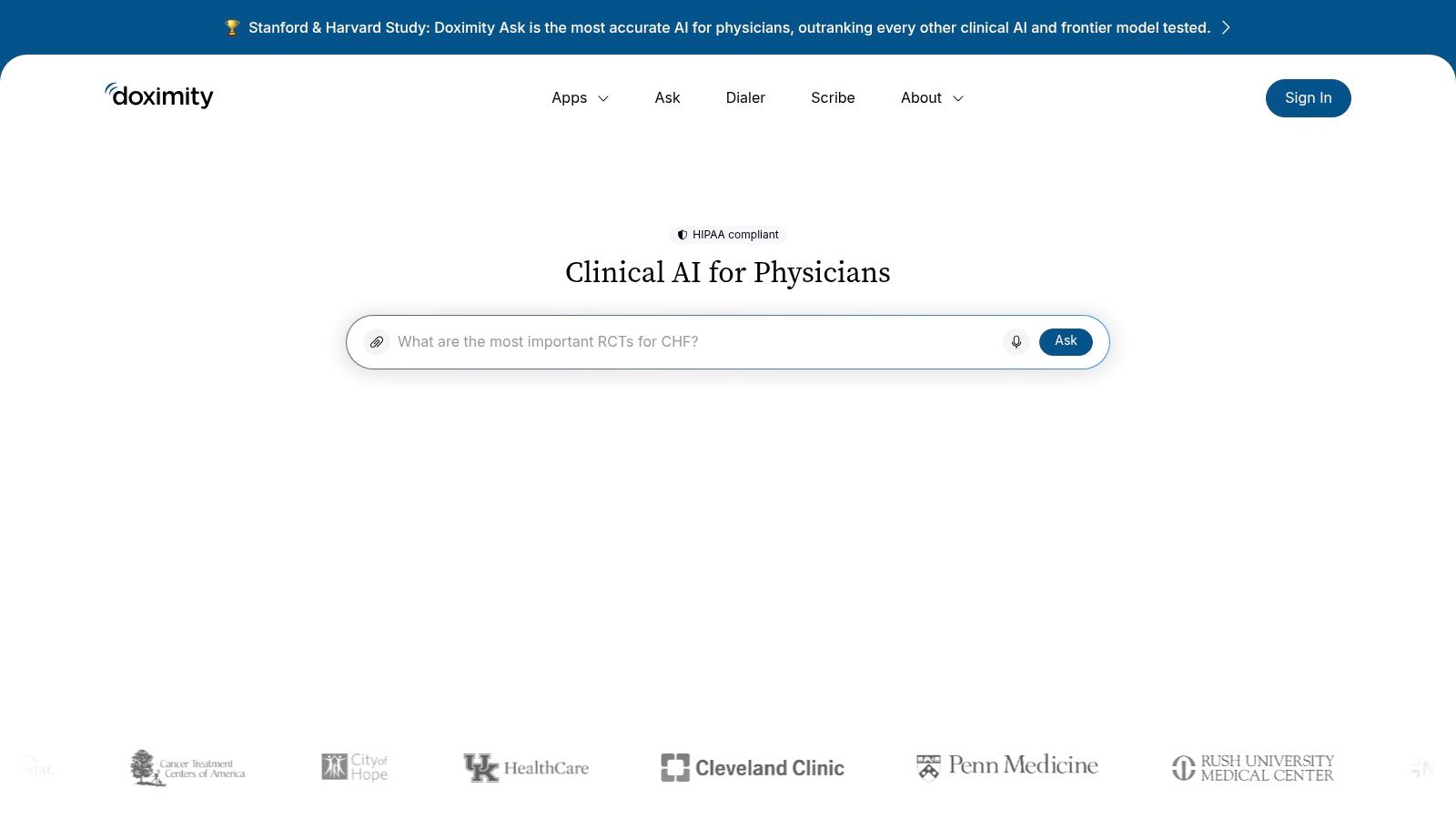
Doximity is a free network for verified U.S. healthcare pros. Any licensed pro who treats patients can join. That includes doctors, nurse practitioners, physician assistants, and pharmacists. Members get secure messaging, the Doximity Dialer for calls and video, and HIPAA-compliant AI tools like Doximity Ask and Scribe.
That setup shapes its value. Dentists, specialists, doctor groups, and healthcare recruiters can use it for peer networking and referral ties. It doesn't show patient demand. And private medical talk should never become a sales lead list.
Check fit before you invest time
Start with who can join, privacy, and referral fit. Keep your profile accurate. Say what you treat and where you work. Then find doctors whose patients may need the care you offer. Secure tools belong inside approved care workflows. Office staff should only get the access their role allows.
Doximity can help with:
- Clear facts. Tell peers what you treat, where you are, and which cases you take.
- Referral ties. Connect with doctors who serve similar patients but don't compete with you.
- Proper contact. Keep patient talk and intros inside the right tools.
- Calm outreach. Keep trust building apart from ads and sales.
The tight access cuts public reach, but it also means the people there are verified peers. Core tools are free for verified clinicians. Ad and brand tools for companies are paid and custom-priced. Treat Doximity as a way to build ties, not a lead feed.
Keep your review simple. Check the right profiles, and log likely referral partners. Confirm where they work and what they treat. Track real talks and intros. Those tell you more than views or post counts.
8. Spiceworks Community
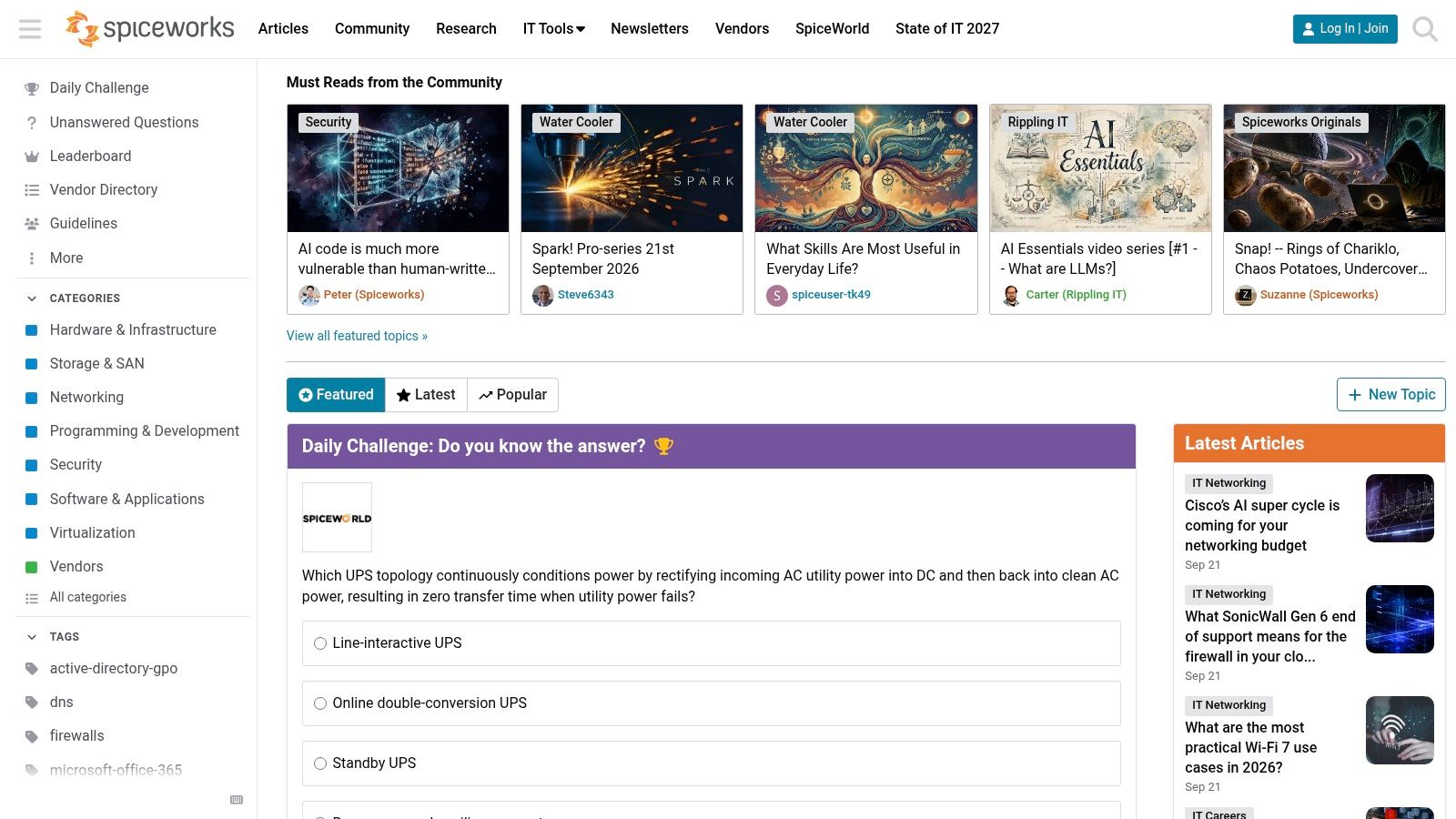
Spiceworks Community suits managed service providers (MSPs), IT consultants, network engineers, and other tech service firms. Its members are IT pros who talk about real problems. Topic boards, fix-it threads, peer help, and a deep search archive keep the focus on hands-on IT work, not neighborhoods.
That focus can create stronger buying signals than a broad local crowd. A thread about failed backups, security, network setup, Microsoft tools, or old hardware can reveal a need without naming a city. Tech fit is your first filter. Confirm the place later through the person's profile, firm, or a direct chat.
Follow open technical problems
Watch product threads, open fix-it posts, setup questions, and posts comparing vendors. A sales pitch can kill your trust in a tech thread. Explain the likely issue, suggest safe next steps, and mention your service only when it fits.
Build your process around fit and timing:
- Track your tech. Follow the platforms and systems your team can support.
- Flag open problems. Unanswered or poorly answered questions deserve a quick look.
- Check the company. Tell a home lab test apart from a company-wide problem.
- Log the context. Note the tech, problem, urgency, firm, and confirmed place.
- Answer well. Correct, specific answers build more trust than lots of posts.
- Qualify with care. Ask about setup, timing, or location only when the thread supports it.
Spiceworks covers both small and large IT shops, so a tech match doesn't mean a local buyer. Some threads lead to remote work, peer learning, or product research instead. Topics also rise and fall over time. Check your own boards now, rather than assuming they're all busy.
Save high-fit topics and review new open threads. Tag likely needs, confirm the place, and log replies that move toward a real talk. Often the best signal is a repeat problem a local pro can spot, not a direct request for an MSP.
9. Fishbowl
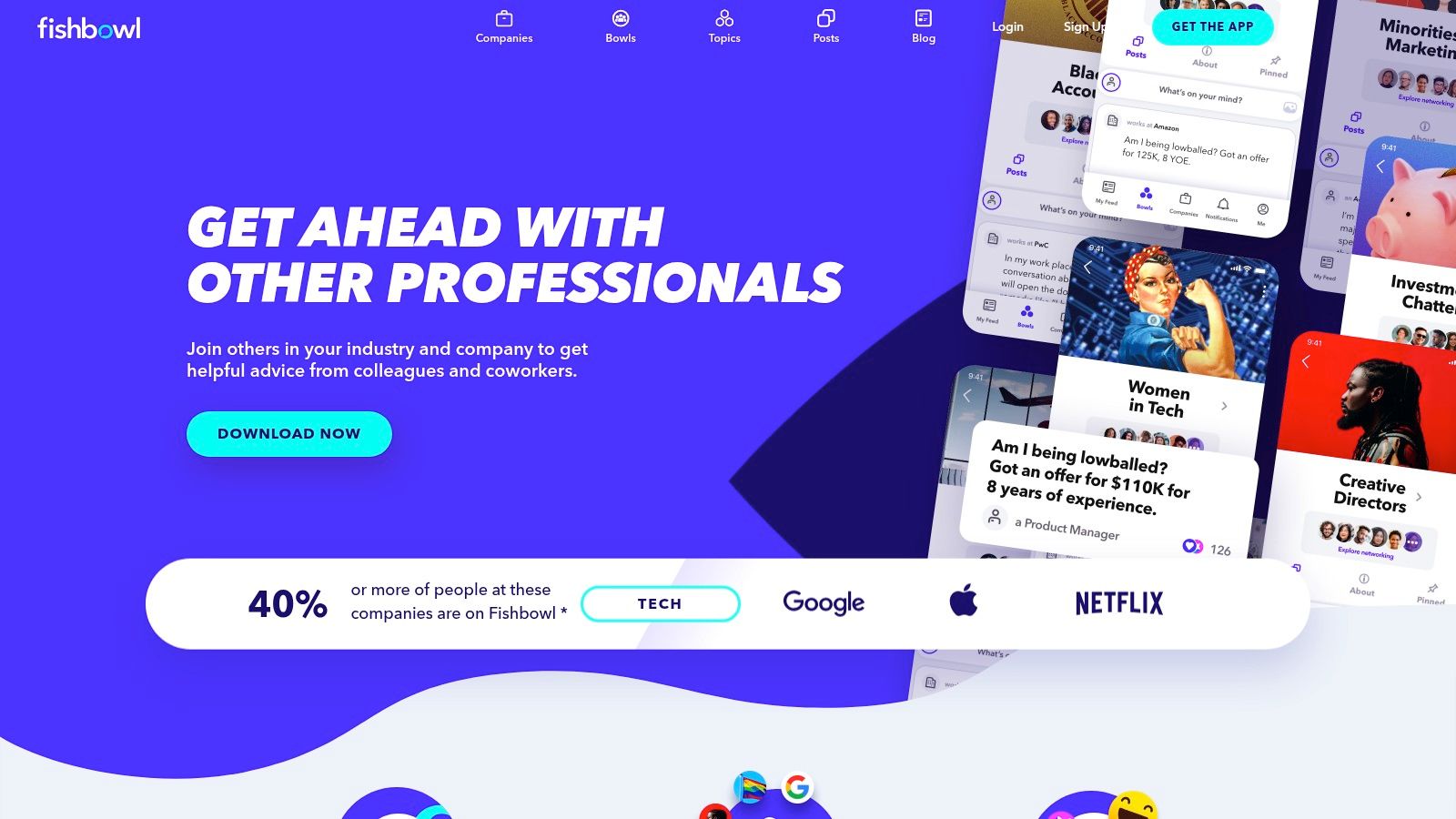
Fishbowl is a professional network owned by Glassdoor. Talk happens in "Bowls" built around industries, companies, and roles. Members verify where they work. They can post under their name and title or stay anonymous. Glassdoor has also brought many Bowls into its own site.
That makes Fishbowl more useful for niche recruiters, service firms, employer brand teams, and B2B firms that serve tech, consulting, finance, or law. Local consumer businesses will get little from it.
Its local buying intent is indirect. A nearby B2B firm can learn how a field talks about its problems, spot repeat concerns at target firms, and sharpen its outreach. A recruiter can watch hiring trends. A legal or consulting firm can spot issues worth looking into. None of these signals is a qualified request on its own.
Read the Bowl before you act
Start with fit. Follow Bowls tied to the fields, employers, or roles you serve. Then track repeat questions and complaints over time. Only link a theme to your area once you've confirmed the firm or project is in it. Being nearby means little without a real fit.
Use Fishbowl for market insight, not for targeting anonymous users. Treat each post as unverified. Don't try to find out who wrote it, and don't contact someone because they described a work problem. Use public company info and direct talks to confirm a theme is real.
A simple routine can include:
- Track repeat themes. Log concerns that show up in many posts or Bowls.
- Check the context. Split company issues from the wider mood in a field.
- Judge intent. Look for a business problem and a clear service fit, not just a complaint.
- Protect privacy. Use the language you see to improve your pitch, without exposing anyone.
- Know the limits. Verification keeps out most people who don't work in the field.
Quality and moderation vary by Bowl, so review the ones you care about now. Don't assume they're all useful. Fishbowl works best when it sharpens your view of a market and shapes outreach that is checked, useful, and well timed.
10. Blind
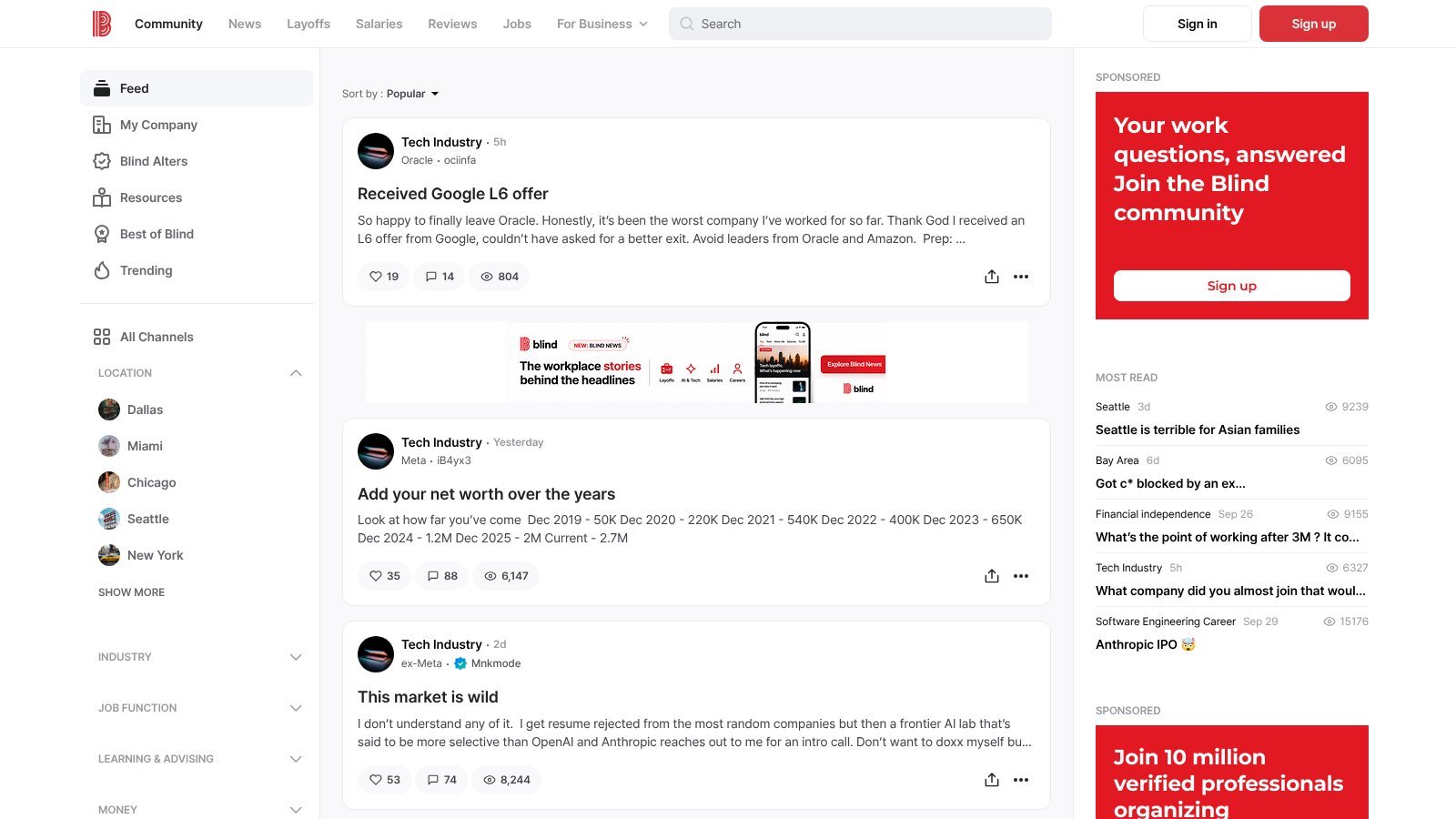
Blind is an anonymous professional network. Members verify their employer with a work email. That unlocks private company channels without revealing who they are. Talk often covers pay, layoffs, culture, recruiting, and how companies are seen.
Blind rarely produces consumer leads for local service pros. Its value is narrower. Recruiters, staffing firms, employer brand teams, and B2B vendors that serve tech and other office-based companies can use it for market insight. A local staffing agency can track hiring mood. An HR firm can spot issues worth looking into. A B2B vendor might notice signs that a company is growing or shrinking. None of that is a sales request.
Use signals without targeting posters
Anonymous posts can reveal honest concerns, but rumors and harsh claims need checking. Compare key themes against public company info, other threads, or your own research. Don't contact someone because they described a work problem, and don't try to find out who they are.
A good review answers four questions:
- Does the theme repeat? Look for steady talk about hiring, retention, layoffs, or workplace changes.
- Does it fit a target account? Split company talk from the wider mood in a field.
- What decision could it inform? Apply it to recruiting, positioning, or market research.
- Can you verify it without exposing anyone? Keep anonymous posts as context, not prospect records.
Blind is better for private work insight than for finding local jobs. Company channels need a verified work email, so you'll see only part of the talk from outside. Keep a short watchlist of employers, fields, and topics. Review it on a set schedule, and log only themes you can confirm elsewhere. Used that way, Blind can sharpen your research without turning anonymous talk into bad outreach.
Niche Social Media Comparison
| Network | Best for | Local intent | Access | Cost |
|---|---|---|---|---|
| Nextdoor. | Home and local services that serve set neighborhoods. | Very high. Posts often name a street, area, or ZIP code. | Neighborhood feeds. Self-promotion must come from a Business Page. | Business Pages are free. Ads are paid. |
| Front Porch Forum. | Home services in Vermont and nearby towns. | Very high, but only in the towns it covers. | Real-name members. Posts go out by email. | Free plan with one business post a month. Paid plans start at $10 a month. |
| Patch. | Pros who want town-level news and requests. | Medium. It varies a lot by town. | Free to read and post. | Promoted events and classifieds cost a small daily fee. |
| The Knot Community. | Wedding vendors doing research. | High, with a fixed date. | Board rules ban vendor posts and comments. | The forums are free. Vendor listings and ads are paid. |
| Houzz. | Remodelers, designers, and landscapers. | Mixed. You must confirm the location. | Open discussions and pro profiles. | Free profile. Houzz Pro is paid. |
| Alignable. | B2B pros who want local referral partners. | Indirect. It's about partners, not consumer leads. | Small business owners in the U.S. and Canada. | Free to join. Paid plans add features. |
| Doximity. | Healthcare practices that build clinician referrals. | Indirect. It's for peers, not patients. | Verified U.S. healthcare pros only. | Free for clinicians. Company marketing tools are paid. |
| Spiceworks Community. | MSPs and IT service firms. | Low. Few posts name a city. | Open forums with a searchable archive. | Free. |
| Fishbowl. | Recruiters and B2B firms that need industry insight. | Low. It's for market research. | Members verify where they work. | Free. |
| Blind. | Recruiters and employer brand teams. | Low. It's for mood and hiring insight. | A work email unlocks company channels. | Free. |
How to Build Your Niche Social Media Mix
The right niche social media mix depends on where you work, who buys, and how people show urgency. A plumber and a healthcare recruiter shouldn't watch the same networks. One needs neighborhood requests and referrals. The other needs peer referrals, employer mood, and ties that protect privacy.
Start with your territory. Write down the cities, ZIP codes, neighborhoods, or travel limits you can really serve. Then list the words customers use when they need help. Think of phrases like "any recommendations," "need a," and "who do you use." Add service names, timing questions, "who's free" asks, and budget worries. Tracking intent this way beats collecting every mention of your trade.
Then pick networks by audience:
- Hyperlocal networks. Nextdoor, Patch, and Front Porch Forum work best when demand comes from neighbors asking for help nearby.
- Category networks. The Knot Community fits wedding vendors. Houzz fits remodeling, design, landscaping, and other home projects.
- Work networks. Alignable supports local B2B referrals. Doximity supports doctor ties. Spiceworks serves IT work. Fishbowl and Blind offer insight into fields, hiring, and employer mood.
Next, check the rules. You can watch and link to public posts. But members-only emails, private groups, verified networks, and anonymous apps require you to follow each platform's terms. Seeing a post in public isn't permission to get around a closed group. A good process logs the source, confirms the request is real, checks location, and replies only when it helps.
Set a reply bar before watching feeds eats your day. For example, require a clear need, a likely location in your area, and enough urgency to justify contact. Judge results by real talks, good replies, and booked jobs, not raw mentions.
The shift toward smaller networks is real. A 2024 survey by Confidant and Vytal, reported by Axios, found that 88% of Americans engage in niche communities. It also found that 45% of Gen Z, millennial, and Gen X Americans feel more connected to those communities than to mainstream culture. Gen Z was the most likely group to put niche brands first, at 53%. The poll covered 1,000 U.S. adults aged 18 to 59, and two marketing firms ran it. Treat it as a sign of direction, not hard proof.
Don't try to watch it all. Pick the networks where your customers already describe urgent, local problems. Build a reply routine that respects each network's rules. Drop the ones that produce talk but no real leads. The best mix is the one your team can check every week and act on well.
FAQ
What is an example of niche social media?
Nextdoor is a well-known example. It serves neighbors in one area instead of everyone. Others include Houzz for home projects, Doximity for healthcare pros, and Spiceworks for IT pros.
Is niche social media good for local businesses?
It can be. Smaller networks often have clearer buying intent and better location clues than big platforms. The trade-off is reach and rules. Many niche networks limit what businesses can post, so plan to help first and sell second.
How do I find niche social networks in my area?
Start with Nextdoor and Patch, since they cover many towns. Then look for local forums like Front Porch Forum, your city's subreddits, and local Facebook groups. Ask your customers where they go for referrals. Their answers will point you to the right places.
Want to catch leads on the big networks too? Niche networks are mostly a hands-on job. Plenty of local requests also show up in Facebook groups and on Reddit, and nobody can scroll all of them all day. ThroughTheGrapevine.ai does that part for you. It watches the Facebook groups you choose, plus public posts on Reddit, LinkedIn, X, Bluesky, and Threads. It looks for people in your service area who are asking for what you do. Each match gets a location tag and an intent score from 0 to 100. It scans every 8 hours and emails you new leads, each with a link to the post and a suggested reply. You don't have to connect any social accounts. It costs $99 a month, with a 7-day free trial and no card needed. Start your free trial.