8 Geographic Marketing Examples for Local Services
Most geographic marketing examples are about big brands. Local service businesses need something more practical. A plumber or roofer doesn't need more reach. They need the right job, in the right area, at the right time.
The data backs this up. In BrightLocal's 2026 survey, 52% of consumers started their latest local search on Google. And 71% used Google at some point in that search. But 75% used more than one channel, and 30% used social media along the way. People ask for help in lots of places. The business that spots a request first, inside its service area, gets a head start.
Table of Contents
- What Is Geographic Marketing?
- 1. Geo-Fenced Social Listening for Service Requests
- 2. Neighborhood Group Monitoring
- 3. Multi-Location Service Area Mapping and Lead Routing
- 4. Competitor Gap Targeting by Location
- 5. Seasonal and Event-Based Geographic Marketing
- 6. ZIP Code and Neighborhood Demand Analysis
- 7. First-Response Speed in Local Markets
- 8. Local Reputation Building by Neighborhood
- Geographic Marketing Examples Compared
- Turn Local Signals Into a Repeatable System
What Is Geographic Marketing?
Geographic marketing means shaping your marketing around where your customers are. You choose the areas you serve. Then you match your message, timing and budget to each one. For a service business, that might be a service radius, a list of ZIP codes, or a few neighborhoods where you already do good work.
The eight examples below use location in different ways. Some help you find people who need help now. Others help you route leads, time campaigns, or build a local name. Each one has a trade-off. A wide radius brings noise. A narrow one can hide good jobs at the edge of your area.
1. Geo-Fenced Social Listening for Service Requests
One neighborhood post can be worth more than a big ad audience. Someone asks for an emergency heating repair. Someone needs a plumber after a pipe bursts. Someone wants storm-damaged trees removed this week. Each person has said what they need, in public, and where they are.
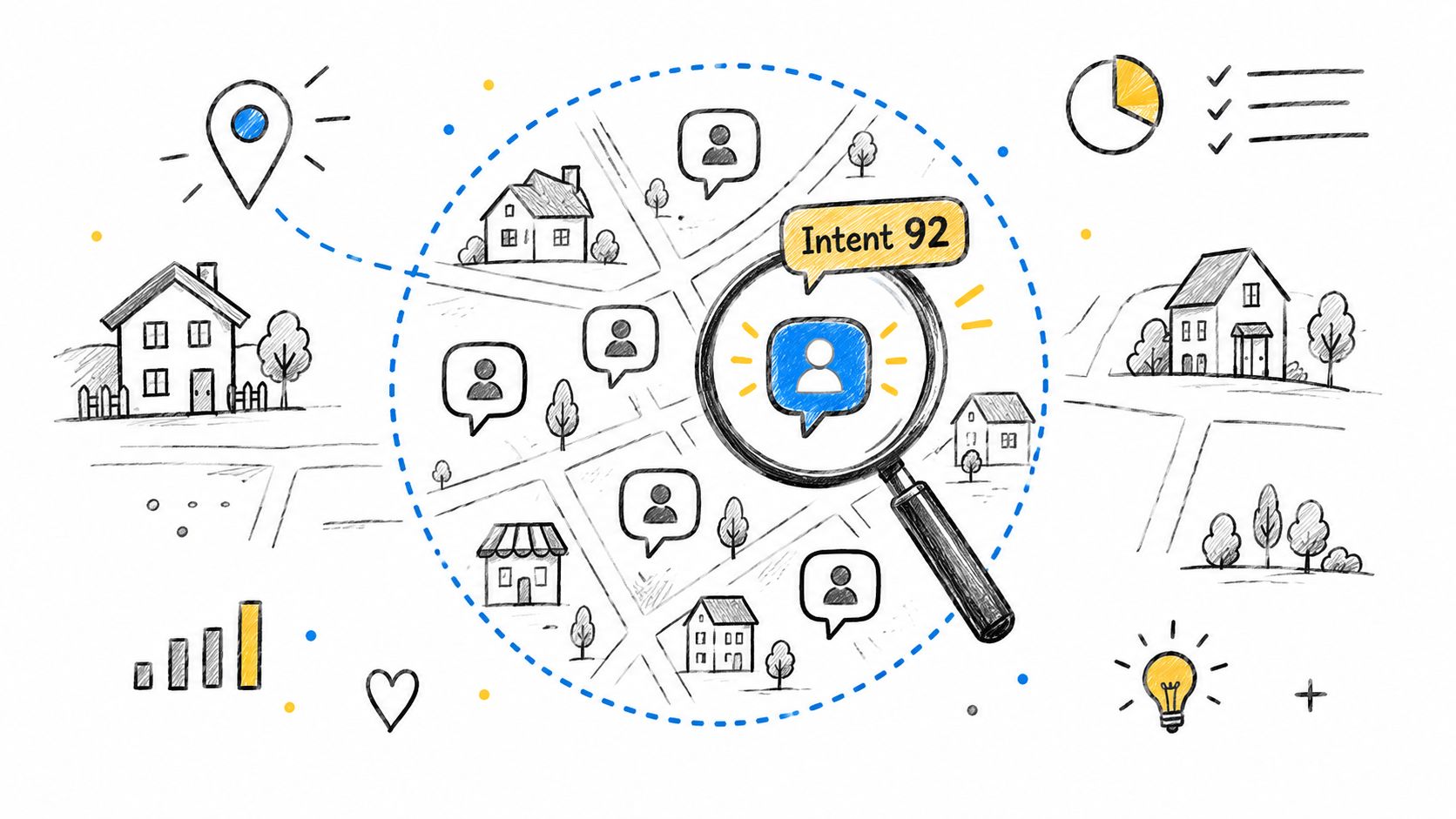
The hard part is sorting real requests from noise. Most local posts are chat, complaints or research. Geo-fenced social listening uses two filters to fix this. A location filter keeps posts from inside your service area. An intent filter keeps posts from people who want to hire someone.
Here is how that looks. An HVAC contractor watches public posts in the towns it serves. It flags posts that mention a broken system and a need for help soon. A pest control firm can tell these two posts apart:
- “Does anyone know why I'm seeing ants?” This person may just want advice.
- “Can someone recommend termite treatment this week?” This person is ready to book.
To compare tools that do this, see this roundup of social media listening platforms.
How to make the signal useful
Draw your boundary around the area you can really serve. Don't just use the radius a tool offers. Then set rules for each type of request:
- Emergency requests: Use a lower bar when speed matters. You can qualify the job by phone.
- Planned work: Wait for clear details on timing, place or scope before you alert sales.
- False alarms: Review mistakes often. Use what you learn to tune your keywords and scoring.
- Replies: Keep short reply drafts ready. Say when you can come out, but don't guess at details the person hasn't shared.
This works best when you can act fast and serve the area well. It fails when every local mention is treated as a chance to sell. A good reply answers the question. It says you run the business, and it follows the group's rules.
Practical rule: Location tells you if you can serve someone. Intent tells you if a reply is worth it.
2. Neighborhood Group Monitoring
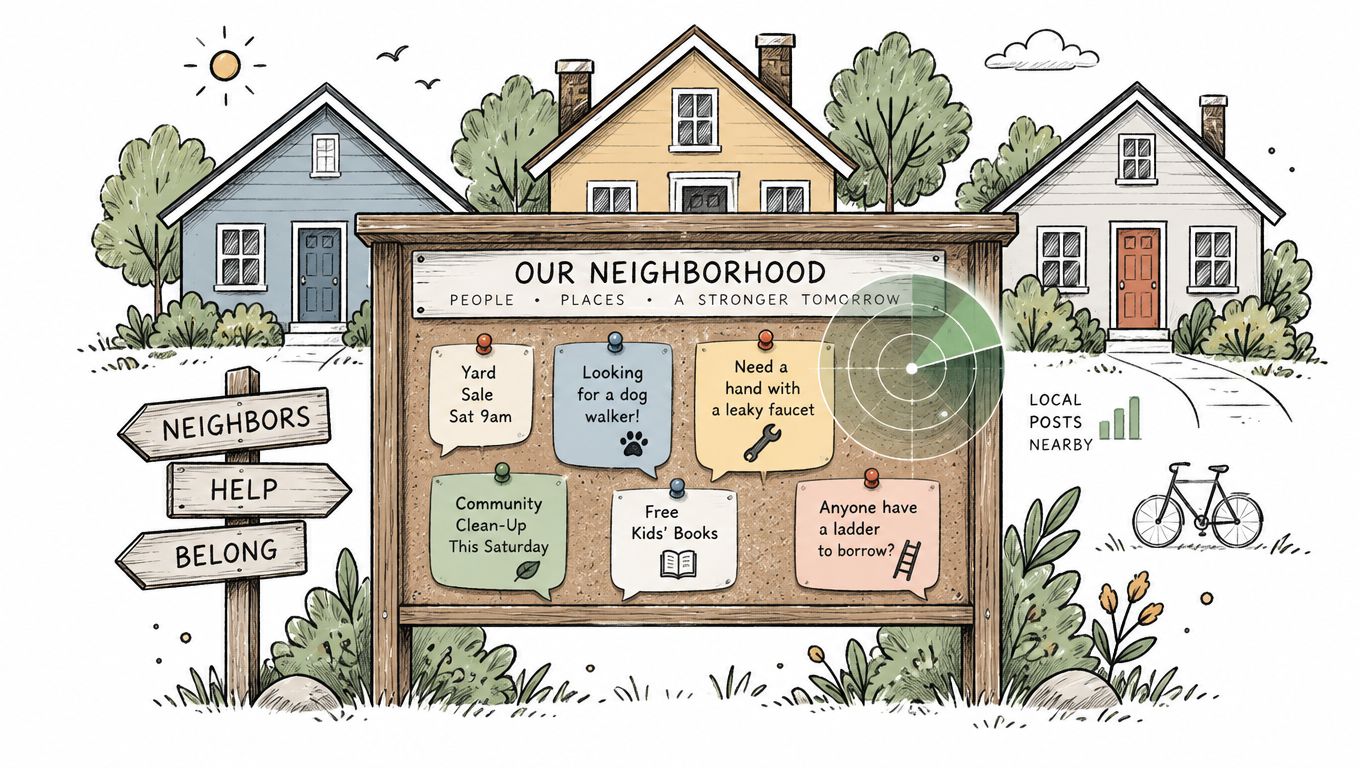
Neighborhood groups often hear about a need before Google does. A homeowner asks for a roofer after a storm. Someone wants a cleaner after a remodel. Someone else needs an electrician for an outlet that sparks. These requests are public, urgent and tied to a real place.
Go where people already ask for advice. A roofer can watch Nextdoor and local Facebook groups for storm damage. A tree service can look for posts about fallen branches. An electrician may spot outage questions in a city subreddit. Our guide to Reddit lead generation covers that channel in more depth.
The edge here is coverage without checking every group by hand. List the neighborhoods, towns and online groups in your area. Then note the words people use. “Water coming through the ceiling” points to a roofing job better than “roof repair” does. “Sparking outlet” signals an electrical emergency, even if the post never says “electrician.”
For a step-by-step method, read how to get leads from Facebook groups. It shows how to answer a real request without spamming the group.
Respect beats volume
Watching a group gives you a chance, not a license to sell. Moderators may ban business posts. People push back on replies that feel pushy. So set your rules before anyone replies.
- Map the groups: Note each group's area, rules and the kinds of requests it gets.
- Measure quality: Count real conversations and booked jobs, not just mentions.
- Fit the reply to the post: Answer an emergency directly. For a general request, give useful advice first.
- Build trust: Help out when you can, without a pitch every time.
This may bring fewer leads than broad ads. But each one tends to show clearer intent. Track reply time, booked work and later referrals. Review poor fits often, then refine your group list and keyword list.
3. Multi-Location Service Area Mapping and Lead Routing
A business with several locations can win a lead and still lose the job. The customer contacts the wrong branch. The reply comes late. Or the lead bounces between teams because the marketing map doesn't match who covers what.
The fix is to tie each territory to a lead owner. A plumbing franchise sends each request to the right dispatch team. A dental group routes a new patient to the nearest clinic with open slots. A pest control chain compares demand by area before it adds staff.
Build the map from your scheduling and dispatch data, not your ad settings. Ad settings often cover more ground than a team can handle. Where areas overlap, set a clear rule based on place, travel time, service type or open slots. Don't let leads go to whoever sees them first.
For each territory, write down five things:
- Boundary: These are the neighborhoods, cities or ZIP codes the team can always cover.
- Owner: This is the branch, dispatcher or rep who gets the lead.
- Capacity: This tells you when to raise or lower an area's priority because it's booked solid.
- Results: Track inquiries, qualified leads, booked jobs and lost jobs for each area.
- Review date: Check the boundary again as staff, travel time and demand change.
Use this map every day. Don't leave it in a dashboard. An area with many inquiries but few bookings may have a routing problem. It may also have slow replies, unclear pricing or a poor service fit. Check those before you buy more traffic there. An area that converts well but has no open slots may need more staff, not more ads.
This model suits franchises and practices with separate sites. A single team that covers a whole metro area may not need it. A simple service radius can be enough.
4. Competitor Gap Targeting by Location
A rival's weak spot can become your local edge. But that only works if you can do better in that area. Service quality often varies by neighborhood. One provider may own the city center but reply slowly in the suburbs. Another may rank well in search but get poor reviews for one service.
Start with a customer problem. Then check if your team can solve it every time. Say an HVAC company sees repeated complaints about slow appointments in one area. It can promote its real openings there. An electrician might target areas where people ask for licensed pros. It can lead with its license and guarantees. A roofer with storm experience can prepare local messages before storm season.
Treat competitor gaps as clues, not proof. Look at repeated public complaints, reviews and your own job records before you change targeting. One bad review doesn't justify a “faster service” claim. Any promise must match your real staffing and dispatch.
Turn a local gap into an offer you can keep
Write a short brief for each area:
- Where they're strong: Note where the rival shows up often and where it doesn't.
- What customers dislike: Capture delays, unclear prices, poor updates or missing skills.
- Your proof: List licenses, guarantees, emergency hours or a process you can repeat.
- Your limit: Say when the promise stops holding, such as full schedules or long drives.
- Next check: Set a date to review the evidence before you extend the campaign.
This focuses your effort where you have a real edge. It can also start a price war. Don't just copy a rival's speed or price claims. Pick one customer problem and back it with proof. Then make sure your schedule can deliver.
5. Seasonal and Event-Based Geographic Marketing
Seasonal demand rewards the businesses that prepare early. Storms bring roof and tree calls. Heat waves and cold snaps flood HVAC lines. Holidays bring cleaning jobs, and spring brings lawn repair. The edge comes from lining up monitoring, staff, messages and capacity before demand hits an area.
A tree service can track a storm's path and stage crews nearby. A roofer can watch for public damage reports and inspection requests. A cleaner can watch local chatter before big holidays. It can then reach out while rivals still run generic promos.
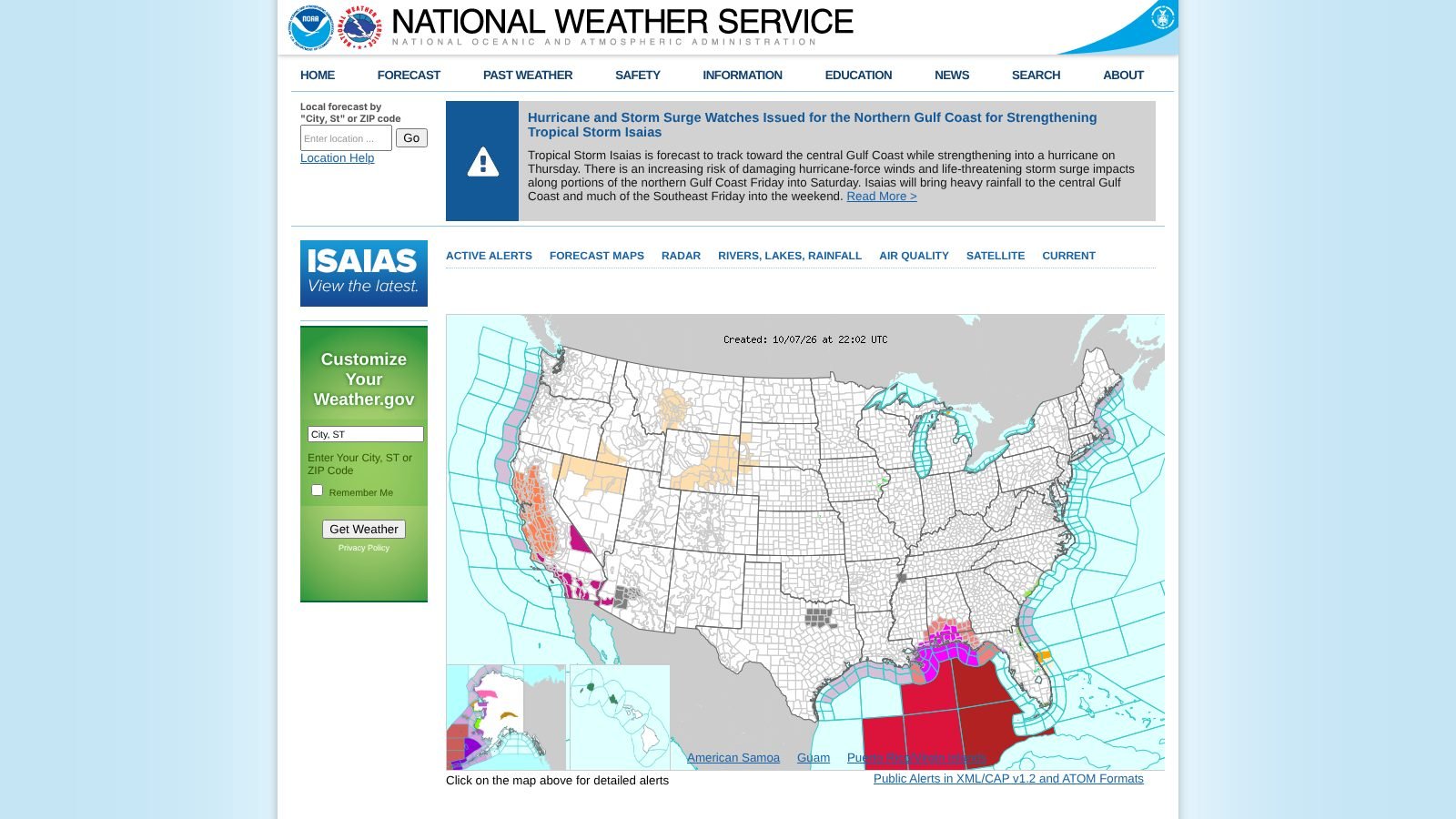
There's a trade-off. A weather alert doesn't guarantee jobs. An event calendar can tempt you to spend before demand shows up. So plan your prep steps first and your spending second.
Turn local conditions into a readiness plan
Build a local demand calendar with five fields:
- Conditions: List the weather, school dates, holidays and local events that move demand.
- Trigger: Note the words in public posts that show the need has started.
- Priority areas: Pick the places where you have capacity and a sensible travel plan.
- Prep work: Plan staff schedules, equipment checks, ad changes and new alerts.
- Review: Compare the demand you expected with what you saw.
Use the calendar to time your outreach, not to predict sales. During a spike, a clear message helps both customers and staff. For example, “We help homeowners check storm damage to roofs in this area.” Your team can then qualify the request and explain next steps. It can also avoid promising work it can't deliver.
Measure qualified requests and finished jobs, not just views. A campaign can draw attention and create a backlog you can't clear. If that happens, cut spend, shrink the area, or change the offer. Review each event so next year's calendar gets better.
6. ZIP Code and Neighborhood Demand Analysis
ZIP codes can show where to focus staff, coverage and marketing. Demand changes with housing type, job value, competition and travel cost. If you treat your whole area as one market, you waste budget and tech time.
A plumber may find that older homes bring more repair calls. A pest control firm may see more interest in new developments. A lawn care company may find a few neighborhoods that want premium service. A tree service can compare areas with mature trees against areas that get more storm calls.
Use location to set priorities. Then check it against real inquiries, booked work, service type and job value. The trade-off is reach. Expanding everywhere may bring more leads. It can also mean longer drives, thinner margins and slower replies.
Build territories around profit
Export your lead and customer records often. Then sort each area into a profile:
- High-volume areas: These get many requests, which may justify more coverage or a dedicated crew.
- High-value areas: These get fewer requests, but the jobs fit your business well.
- Underserved areas: These have real demand, with little competition or local visibility.
- Emerging areas: These show early signs of demand that are worth a small test.
- Low-yield areas: These send inquiries that rarely qualify, convert or fit your service area.
This makes choices easier. Focus campaigns where your capacity and routes support profit. Test emerging areas with a small budget. Pull back from low-yield ZIP codes unless your offer or screening changes.
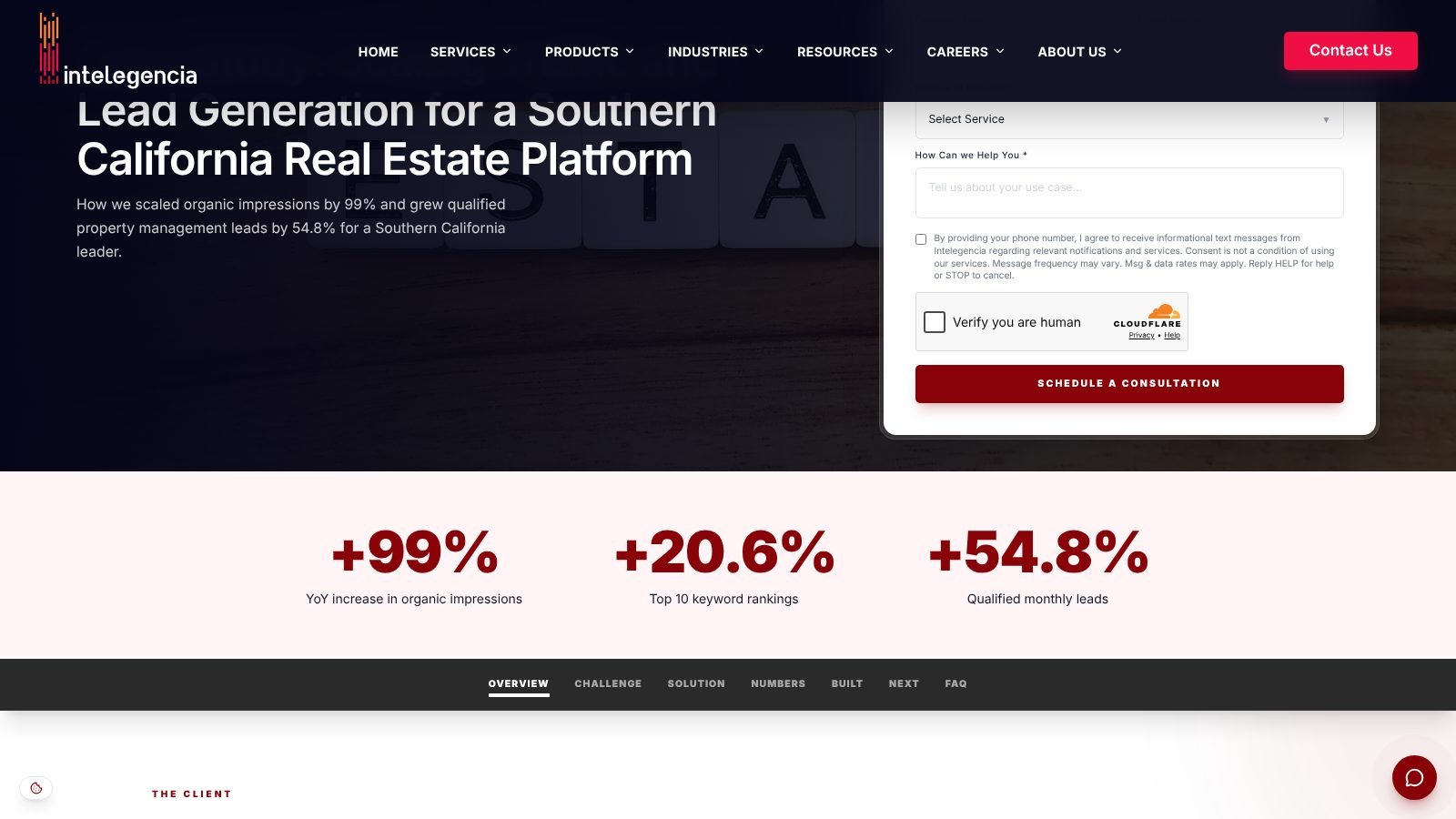
Local pages can make this work in search. One Southern California property management firm serves more than 60 cities. It built a landing page for each target city, linked them to helpful guides, and simplified its lead forms. After twelve months, its yearly search impressions rose from 15.6 million to 31.1 million. Its top-ten keywords grew from 175 to 211. Its monthly qualified leads rose from 155 to 240, a jump of about 55%. The Intelegencia case study shows leads can grow faster than rankings when local pages answer local needs.
Give each priority area a real reason to exist. Add distinct services, proof, open slots, FAQs or a clear way to book. Don't just copy a page and swap the town name.
7. First-Response Speed in Local Markets
For urgent jobs, speed often decides who gets the work. A homeowner with a burst pipe or a dead furnace may contact several businesses at once. The one that replies first with a useful next step has the edge, as long as it can follow through.
Research backs this up. A Harvard Business Review study looked at 1.25 million sales leads. Firms that tried to reach a lead within an hour were nearly seven times as likely to qualify it as firms that tried even an hour later. They were over 60 times as likely as firms that waited a day or more.
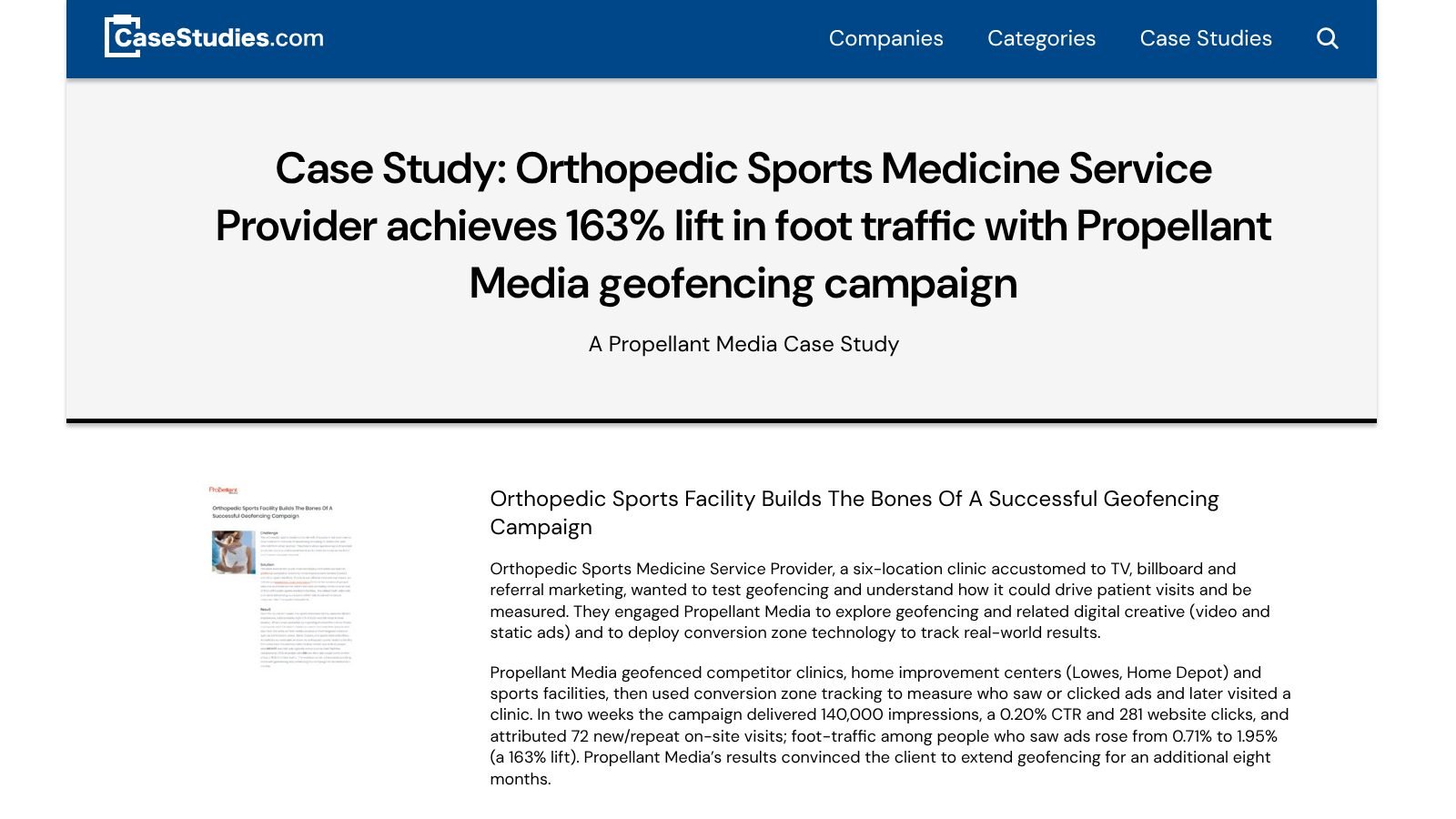
Track results past the first click, too. A six-location orthopedic sports medicine clinic tested geofencing with Propellant Media. The ads targeted people near rival clinics, home improvement stores and sports venues. In two weeks, the campaign delivered 140,000 impressions, a 0.20% click-through rate and 281 website clicks. It also tied 72 new or repeat clinic visits to the ads. Among people who saw the ads, foot traffic rose from 0.71% to 1.95%. The case study judged the campaign on visits, not clicks. The clinic then extended it for eight more months.
The same rule applies to local social replies. Track the time from spotting a request to your first reply. Then link that to qualified conversations, booked jobs and revenue.
A fast reply isn't a strategy if the customer gets a vague message, reaches a tech who isn't free, or waits days for the next step.
Design the response path
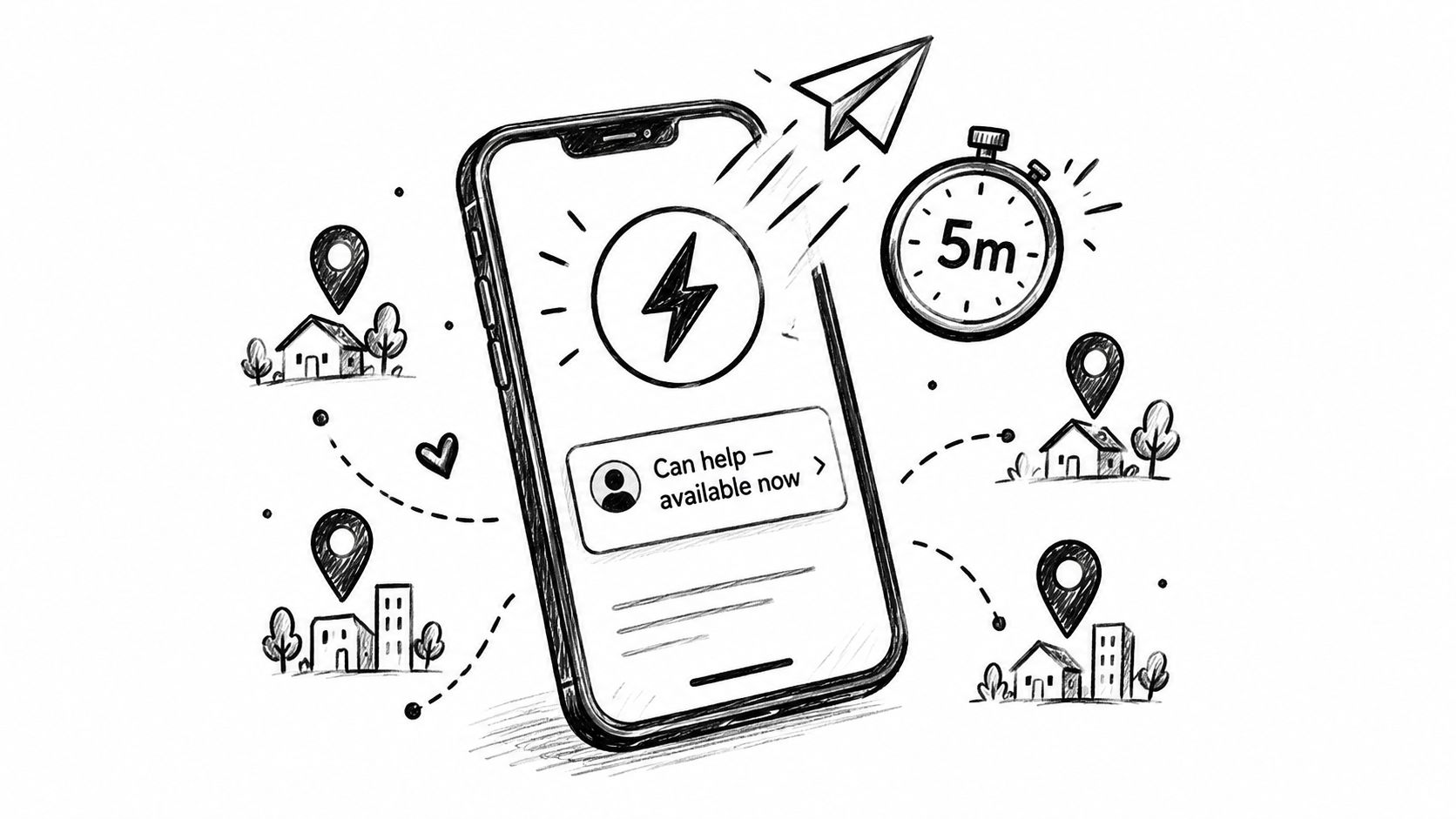
Send urgent alerts straight to a phone, as a push or text notification. Keep reply drafts that a team member can tailor fast. But have a person check the location, service fit and urgency first. Decide who answers alerts at busy times, so they don't sit in a shared inbox.
Make speed claims specific to your area. “Same-day response across the areas we serve” is more believable than a broad promise. Check delays each week. Find out if they come from alerts, review time, dispatch, missed calls or scheduling.
This works best for urgent, one-off jobs. It matters less for big projects, where trust and skill count more than being first. In those cases, a quick and thoughtful note beats a rushed sales pitch.
8. Local Reputation Building by Neighborhood
Local reputation grows when you do good work in the same places again and again. A dental practice that serves one neighborhood becomes the name neighbors recommend. A gardener builds a visible trail of local work. A tutor or photographer gets referrals from a tight group of happy clients.
The edge here is reputation density. Don't spread thin across a huge area. Pick a few areas where you can deliver well. Ask for reviews after each job, and reply to public feedback. Good experiences then become local proof that helps the next customer choose you.
This takes more than asking everyone for a review. Track where each customer came from, which areas send referrals, and what they bought. Notice whether reviews mention what new customers care about. A star rating helps, but a detailed local review builds more trust.
Earn concentration before expansion
Start with areas where demand, travel time and capacity fit well. Then follow these steps:
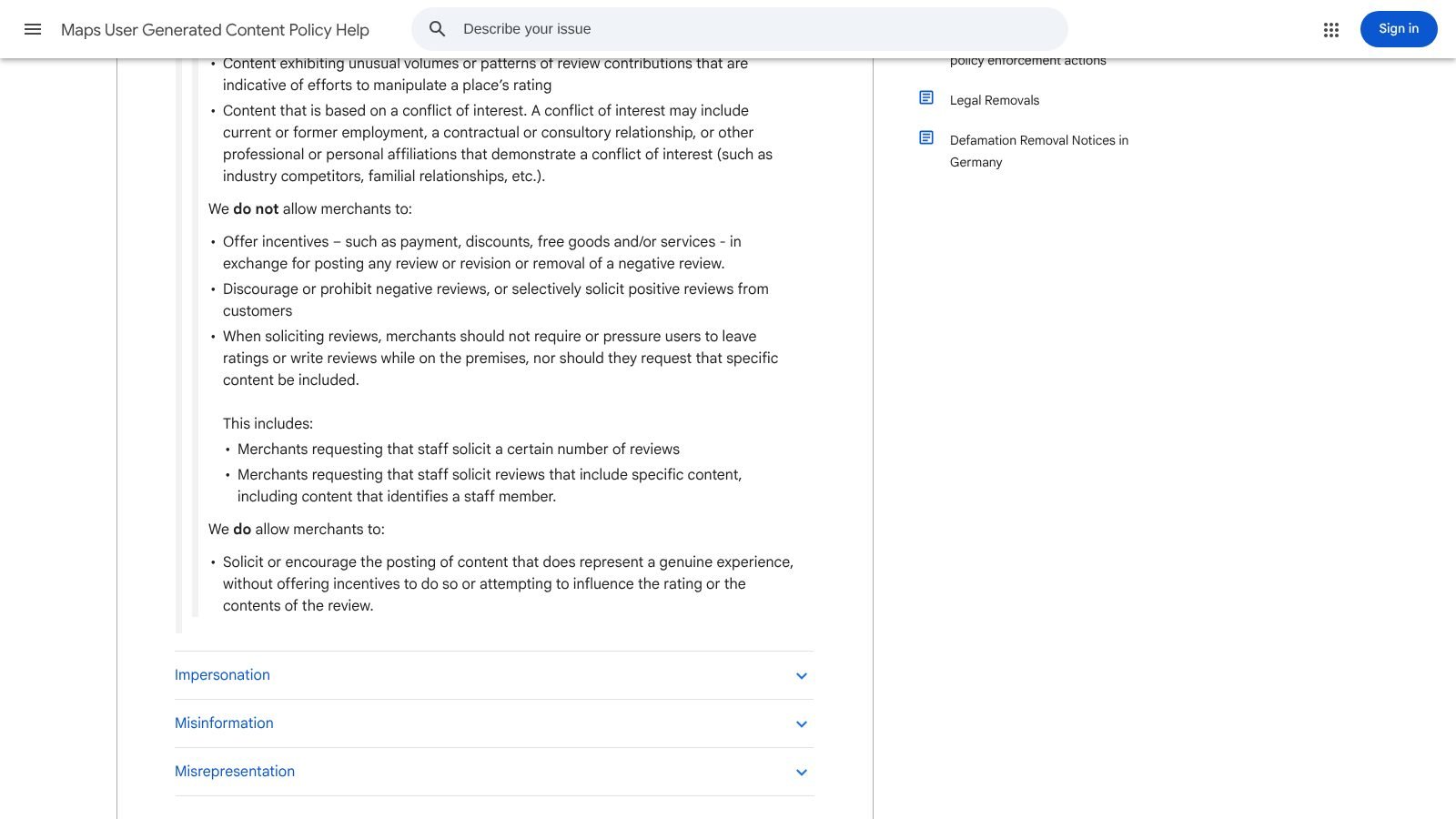
- Ask every customer: Ask after each job, and don't pressure anyone. Google's review policy bans asking only happy customers for reviews.
- Reply with care: Thank happy customers. Answer complaints without sharing private details.
- Collect local proof: With permission, share testimonials or project photos tied to the area.
- Encourage word of mouth: Invite happy customers to share their story where neighbors ask for help.
- Track referral paths: Note whether new work came from a review, a local post, a repeat client or a referral.
The risk is leaning too hard on one area. You can become well known in one place and miss good jobs next door. Expand once your service, replies and reviews are steady. A ZIP code doesn't build a reputation. Doing reliable work there does.
Geographic Marketing Examples Compared
| Example | Best for | Effort | What to measure |
|---|---|---|---|
| Geo-fenced social listening | Emergency and on-demand trades. | Medium: you need a tool and fast replies. | Track booked jobs from public requests. |
| Neighborhood group monitoring | Trades that rely on local referrals. | Medium: you need a group list and reply rules. | Track real conversations and booked work. |
| Multi-location mapping and routing | Franchises and multi-site practices. | High: it ties into scheduling and dispatch. | Track how many leads reach the right team. |
| Competitor gap targeting | Firms that beat a rival in one area. | Medium: you need to review local feedback often. | Track your win rate in target areas. |
| Seasonal and event-based marketing | Roofing, HVAC, tree and lawn services. | Medium: you need a demand calendar and a staff plan. | Track qualified requests during each spike. |
| ZIP code demand analysis | Firms ready to grow or trim their area. | Medium to high: you need enough job history. | Track profit and close rate by area. |
| First-response speed | Urgent jobs like plumbing and HVAC repair. | Low to medium: you need alerts and clear owners. | Track time to first reply and booked jobs. |
| Local reputation building | Any business that lives on referrals. | Medium: it takes months of steady work. | Track reviews and referrals by area. |
Turn Local Signals Into a Repeatable System
These geographic marketing examples work best together, not as one-off campaigns. Start by defining the area you can actually serve. Include travel limits, crew coverage, office locations and the edges two teams share. A clear map stops marketing from creating demand your team can't meet.
Next, watch local conversations and separate real requests from chatter. A place name alone isn't enough. Look for a clear need, a known area, a sense of timing and a good fit with your work. Emergency jobs can move on less detail. Planned jobs need more before sales steps in.
Then work on speed, but keep quality high. Set alerts, assign owners, keep reply drafts ready and log the time to first reply. Track what happens next. That means conversations, booked jobs, finished jobs and lost jobs. As the clinic example showed, views and clicks are not the goal. They only matter when they lead to real business.
Once you have steady records, study demand by area. Compare request type, intent, reply time, close rate, job value and capacity. A busy area may be worth less than a small one with better leads. A weak area may need local proof or better routing, not more budget.
Finally, reinvest where good service creates referrals. Ask for feedback, reply to reviews, and find the groups where customers recommend providers. Today's good work then feeds tomorrow's local leads.
Start small. Pick one service area and one high-value request type. Track location, intent, reply time, outcome and referral source. Add more areas once that loop works.
Want to find local leads on social media without scrolling all day? ThroughTheGrapevine.ai watches public posts on Facebook groups, Reddit, X, LinkedIn, Bluesky and Threads. When someone in your service area asks for what you do, you get an email. It includes the post, the location, an intent score and a suggested reply. You don't need to connect any social accounts. You can try it free for 7 days, with no card needed.